Samsung One UI 8.5 Rolls Out to Galaxy S25 Users With S26 Features
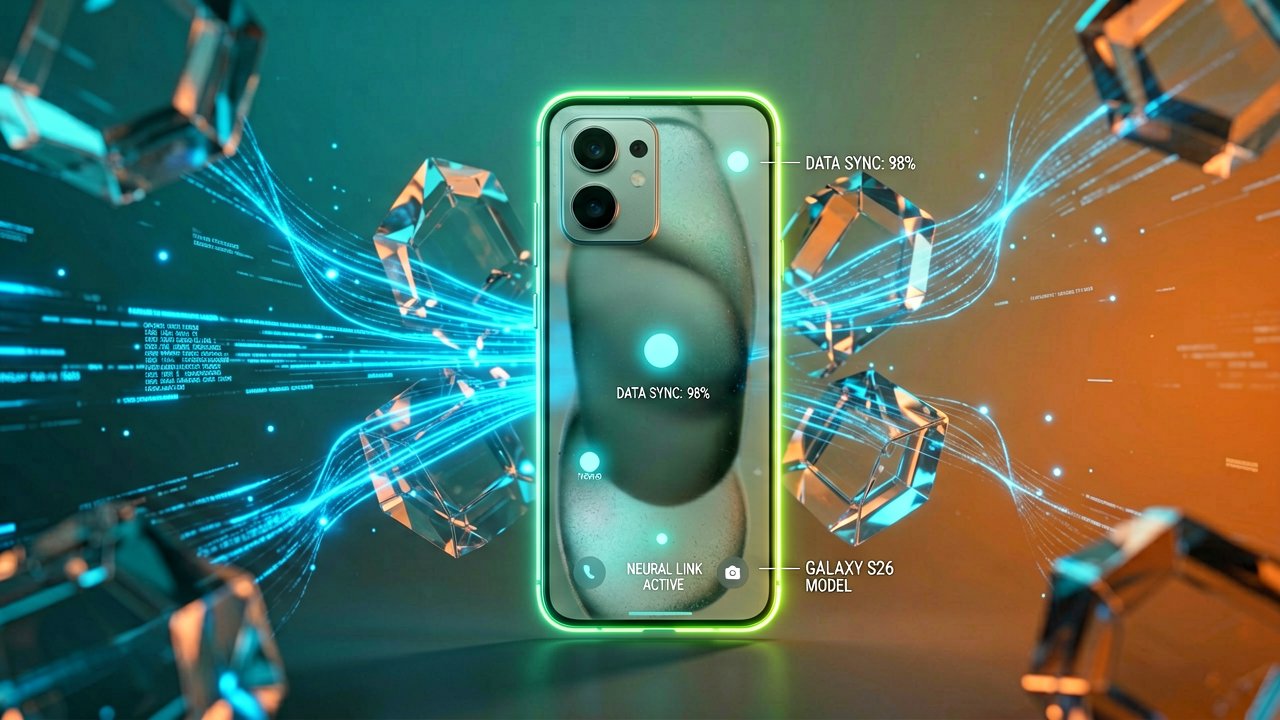
The software update that Samsung Galaxy users have been waiting months for is finally arriving. Samsung officially launched One UI 8.5 on May 6, 2026, starting with South Korea before expanding globally. The update brings features that were previously exclusive to the Galaxy S26 series down to the S25 lineup and other older devices.
This isn't a minor patch. After ten beta releases since February 2026, the stable version is now rolling out as a 583MB incremental update bundled with the April 2026 security patch. For users who've been testing the beta, the transition should feel familiar. For everyone else, it's the first time they'll experience these capabilities on their current hardware.
According to the official Samsung announcement, the rollout prioritizes the home market first. Additional regions will follow, though Samsung hasn't specified the timeline or device prioritization order. This staggered approach is standard practice, but it means patience is required for users outside Korea.
The headline feature is AirDrop support through Quick Share. For years, Samsung users have watched Apple device owners transfer files with a simple tap while Quick Share required more steps. Now, the wireless file transfer system works between iPhone and Samsung phones. The friction of file sharing across ecosystems finally drops (a problem that has plagued users for years, frankly).

But AirDrop is just the entry point. The update unlocks several Galaxy AI features that launched with the S26 series. Call Screening lets Bixby answer calls and ask callers who they are before you pick up. Creative Studio moves to the Apps screen for easier access to custom wallpapers and profile images. Log video color previews let you see cinematic LUT effects in real time while recording, removing the guesswork from professional video workflows.
Photo Assist gets significant upgrades. Users can now add items from one image to another, with Galaxy AI smoothing the integration. Continuous image generation lets you iterate without saving each version, reviewing all creations in history afterward. The Auto language detection in Interpreter means you don't need to press the microphone button each time someone switches languages during conversation.
Camera improvements include pro-grade document scans with automatic removal of distracting fingers and folded corners. Dual recording captures both front and rear camera footage simultaneously. Auto motion photos only record movement when detected, saving storage space on still images. Three new portrait filters add film-like effects to photos.
The visual design receives a refresh with transparent blur effects adding depth and floating elements that react to workflow. Lock screen layouts now automatically adjust based on wallpaper content. Now brief on the Lock screen provides personalized suggestions based on context. Enhanced AI select starts instantly by touching and holding the edge handle, with a Rewind button for video selection.
Bixby becomes more conversational. It finds settings using natural language rather than exact commands. Conversation history is accessible from the side panel in the Bixby app. The assistant can provide instant responses without requiring multiple searches or app switching.
Independent reporting from Android Authority confirms the device compatibility list. The update supports Galaxy S25 series, S25 FE, S24 series, S24 FE, Z Fold7, Z Flip7, Z Fold6, Z Flip6, Tab S11 series, and Tab S10 series. That's a broad ecosystem, but it also means Samsung is extending the lifecycle of devices released in 2024 and 2025.
The physical experience of these features matters. When you hold the edge handle to activate AI select, the response should be immediate. When you apply a LUT preview during Log recording, the screen needs to refresh fast enough to see the effect in real time. When Quick Share transfers a file between iPhone and Galaxy, the notification should appear without requiring manual pairing. These are the details that separate a polished update from a buggy one.
Samsung made S25 users wait months for features that S26 buyers got at launch. The company effectively marked these capabilities as time-limited exclusives before rolling them out broadly. Whether this strategy drives upgrades or frustrates existing customers depends on how smoothly the update performs across different devices.
The 583MB download size suggests this is an incremental update for beta testers, but new users may face a larger initial download. Battery drain during the first 24 hours after installation is common as the system indexes and optimizes. Users should expect some performance variation depending on their specific device model and storage availability.
Regional rollout timing remains unclear. Samsung's announcement specifies Korea first, but doesn't commit to dates for Europe, North America, or Asia-Pacific markets. This uncertainty is typical for major Android updates, but it leaves users in other regions without a clear timeline for when they'll receive the features.
Whether the update delivers on its promises depends on real-world performance across the diverse device lineup. The S25 Ultra has different hardware than the S24 FE, and the Z Fold7 has different constraints than the Tab S11. Samsung's ability to maintain consistent experience across this range will determine whether One UI 8.5 becomes a benchmark or a cautionary tale.
For now, the update is live in Korea. Users elsewhere wait. Whether the features justify the months-long beta cycle remains the real question.
Artūras Malašauskas is an AI Systems Integrator with 20+ years of production-grade web engineering experience. He has designed, shipped, and scaled enterprise Python/PHP systems for logistics, SaaS, and public-sector clients. For the past year, he has focused exclusively on AI integrations: deploying open-source LLMs, building generative media pipelines (image, audio, video), and engineering multi-agent workflows for real production environments. His standard: reproducibility, security, cost-efficient inference—no vaporware. He documents and evaluates emerging AI tooling, separating verified capabilities from marketing noise. Technical editor at: muza-ai.eu, ai-verslas.lt, ai-naujinos.lt Connect on LinkedIn
Comments