ZSA Adds Navigator Trackpad to Voyager Keyboard Ecosystem
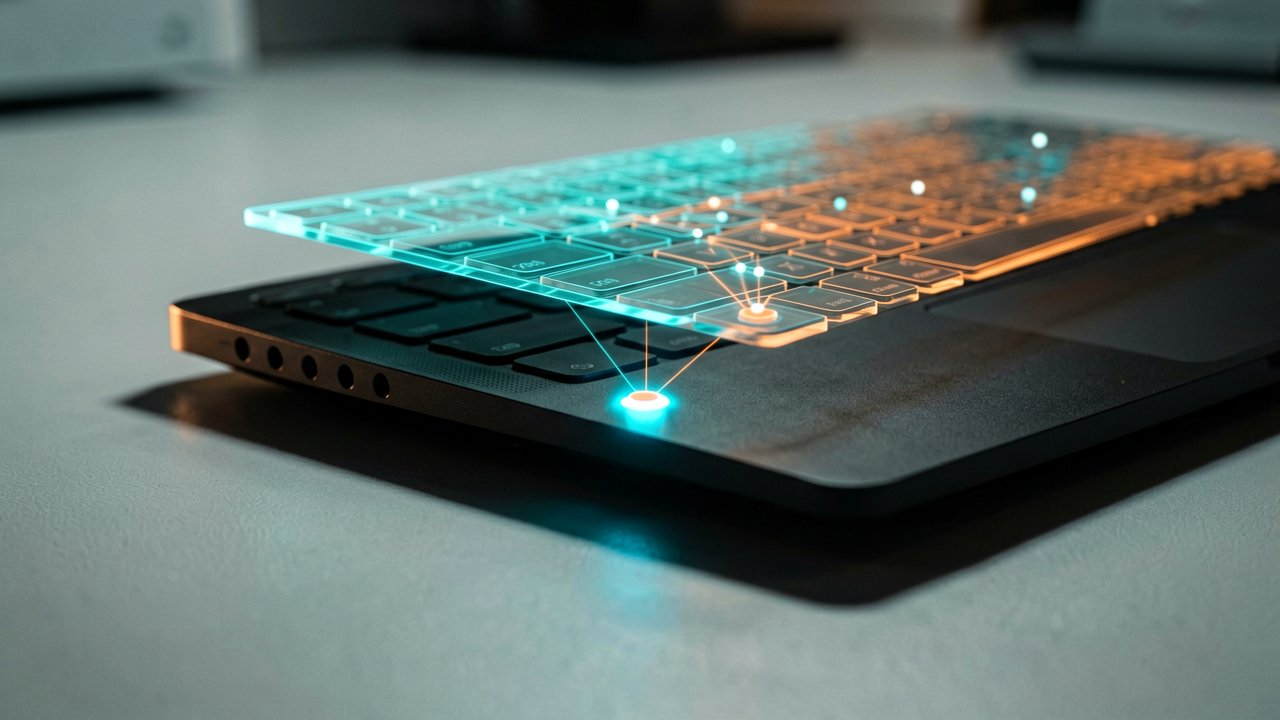
ZSA Technology Labs has officially released the Navigator Trackpad, a modular input accessory designed to integrate with the company's Voyager split ergonomic mechanical keyboard lineup. The new module expands the existing Navigator ecosystem, following the earlier Trackball variant, and aims to bring laptop-style cursor control directly to mechanical keyboards.
The Navigator Trackpad uses a custom multitouch sensor developed with Cirque and features a smooth glass-like surface with native Precision touch support. According to the official product documentation, ZSA says it supports multitouch gestures including two-finger scrolling and tapping across Windows, Linux, and macOS through a lightweight companion application.
Designed as part of the modular Navigator system, the Trackpad magnetically attaches to compatible keyboards including the Voyager and Moonlander, while broader compatibility extends to QMK powered keyboards through its open-source QMK module. The device is also fully compatible with existing community and official 3D-printable Navigator shells.
Customization is handled through ZSA's Oryx configurator, allowing users to adjust placement, gestures, and behavior, including left-handed layouts. According to ZSA CEO Erez Zukerman, the company developed the product from scratch rather than repurposing an existing touchpad design.
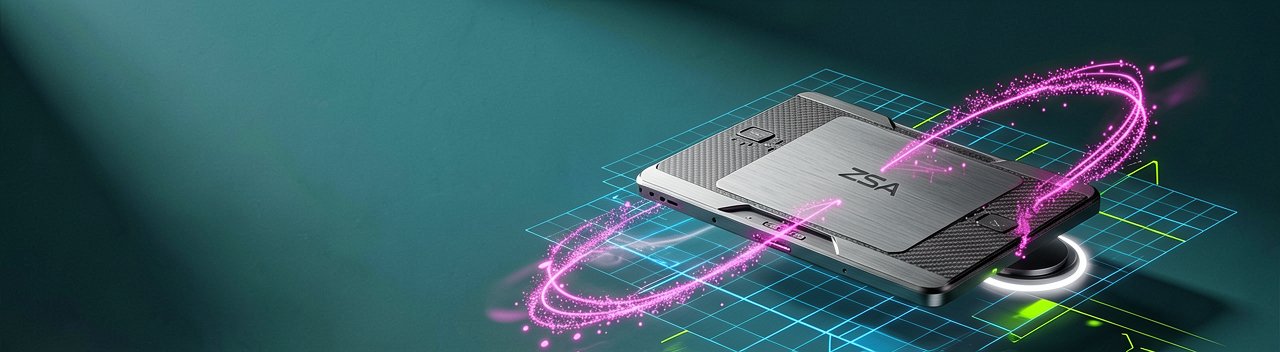
The Navigator Trackpad is available standalone for $99 or as part of the Navigator Core ecosystem at a starting price of $169. The package includes the Navigator Core trackpad module, a right-side magnetic shell for Voyager keyboard integration, a custom hard-shell carrying case, and color-matched braided connection cables.
Physical interaction with the trackpad differs meaningfully from the Trackball variant. The glass surface provides a familiar laptop touchpad feel, though the smaller footprint requires more precise finger movements. Users report the two-finger scroll gesture works reliably, but the limited surface area means three-finger gestures feel cramped (which is probably fine for most people who can barely fit two fingers comfortably).
The magnetic attachment system uses custom-made rare-earth magnets to ensure the shell stays in place even at extreme angles. The Voyager's orientation pins make sure the shell snaps in just right, every time. This is a tangible improvement over the Trackball's ceramic bead system, which required more deliberate finger pressure to initiate movement.
Independent reporting from NotebookCheck notes that the trackpad doesn't offer the same level of customization in Oryx as the trackball, such as switching functions with layer keys or having the trackpad switch to a specific mouse layer when used. ZSA says these features are not necessary thanks to the touchpad gestures.
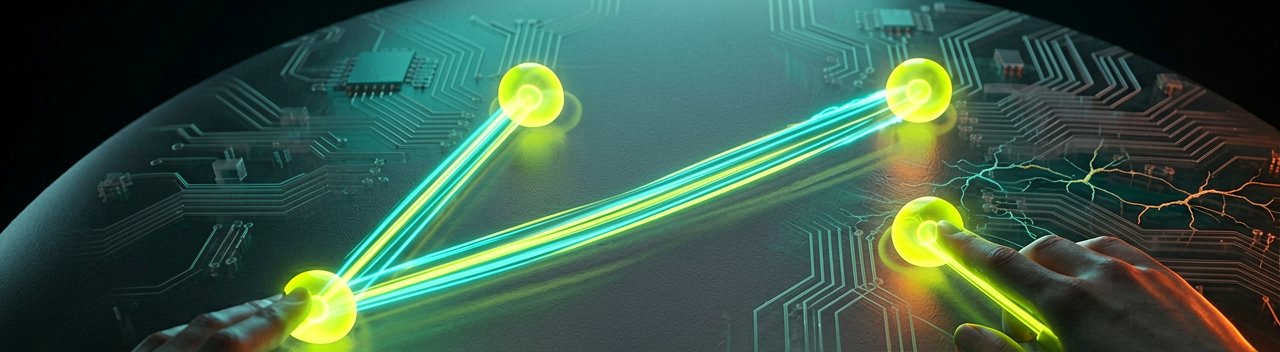
The multitouch gestures are limited to two-finger swipes, which is a limitation to be aware of. Most people won't be able to comfortably put more than two fingers on the small tracking surface anyway, but power users accustomed to three-finger trackpad gestures on premium laptops may find this restrictive.
For daily productivity work like web browsing, email, spreadsheets, and coding, the Navigator Trackpad can become your one and only pointing device. For more specialized applications like design and gaming, you're still going to want your specialized mouse or pointing device.
The Navigator Trackpad magnetically attaches to the Voyager keyboard using the same plastic shell as its trackball equivalent, making it possible to have both the trackball and trackpad attached to the Voyager at the same time. This may seem silly, but having a mouse input on each hand means you can do things like assign one side to mouse navigation and the other exclusively to scrolling or panning in specific apps.
Like the Navigator Trackball, the trackpad comes with all the cables needed to connect the accessory to whichever ZSA keyboard it will be connected to, including two braided TRRS cables, a purpose-built carrying case, and the magnetic shell. The cables have angled connectors on one side and straight connectors on the other, to fit with the shape of the Navigator.
MacOS will require running a background app to enable gesture support, but once that is running, it also supports full multi-touch gestures. Windows and Linux users get native support without additional software overhead.
The Navigator Trackpad is hardly the first trackpad to come on an ergonomic mechanical keyboard. One can be found on the Naya Create and Beekeeb Toucan as well as on the MoErgo Go60. What sets ZSA's touchpad apart is that it features multi-touch gesture support with integration for OS-level customization on both Linux and Windows.
While this does make it more expensive than even some standalone split mechanical keyboards, like the highly affordable Yivu Corne V4 at $89.99, the Navigator Trackpad has a lot going for it for enthusiast buyers who already own a Voyager or Moonlander.
The open-source QMK module means the driver is contributed back to QMK in full for anyone to modify and use for any purpose. This positions the Navigator Trackpad as more than just a proprietary accessory—it's a building block for the broader ergonomic keyboard community.
Whether users actually pay $99 for a trackpad that doesn't replace a mouse for gaming or design work remains the real question. The Navigator ecosystem is compelling for productivity-focused users, but the price point puts it firmly in enthusiast territory rather than mainstream adoption.
The Navigator Trackpad works well enough for daily tasks, but don't expect it to change your entire workflow. It's a nice-to-have for existing Voyager owners, not a must-have for everyone.
Artūras Malašauskas is an AI Systems Integrator with 20+ years of production-grade web engineering experience. He has designed, shipped, and scaled enterprise Python/PHP systems for logistics, SaaS, and public-sector clients. For the past year, he has focused exclusively on AI integrations: deploying open-source LLMs, building generative media pipelines (image, audio, video), and engineering multi-agent workflows for real production environments. His standard: reproducibility, security, cost-efficient inference—no vaporware. He documents and evaluates emerging AI tooling, separating verified capabilities from marketing noise. Technical editor at: muza-ai.eu, ai-verslas.lt, ai-naujinos.lt Connect on LinkedIn
Comments