Head-to-Head: Acer TravelMate X2 vs P2 Spin 14 in AI Laptop Showdown
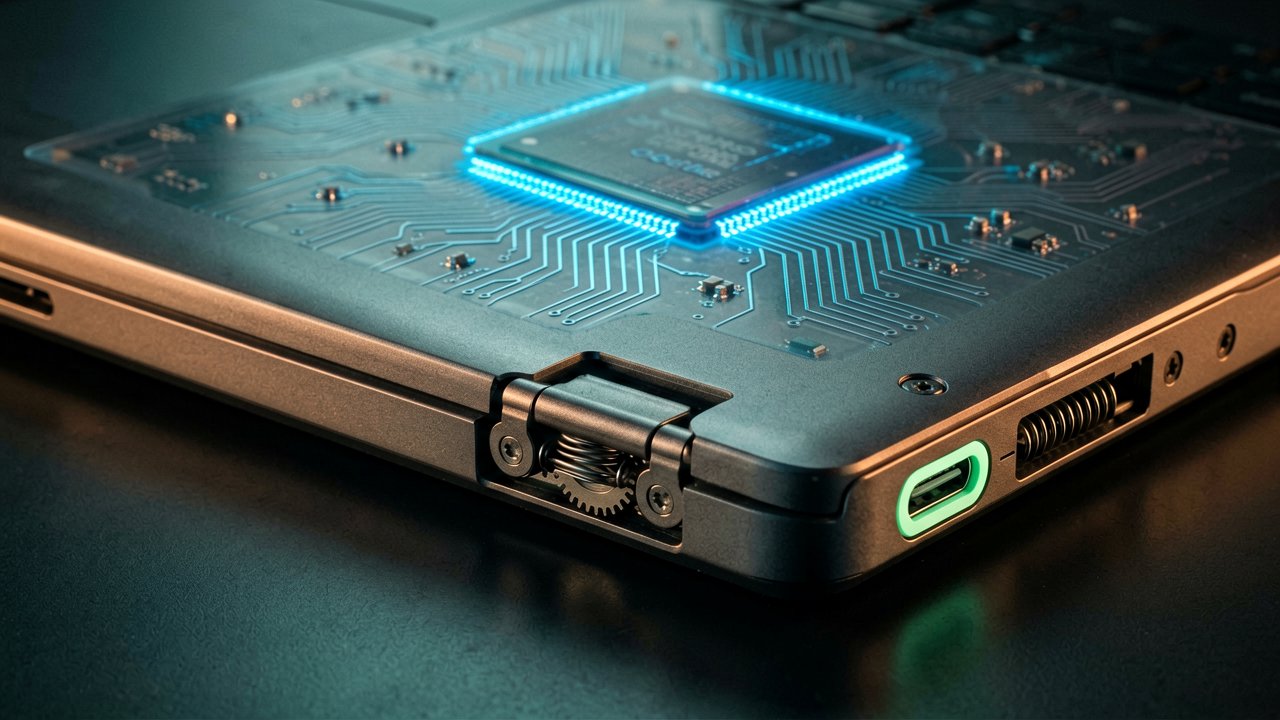
The enterprise hardware landscape just got a lot more interesting. In a major commercial refresh announced in early June 2026, Acer expanded its commercial portfolio by introducing four new AI-capable TravelMate laptops. While the featherweight TravelMate P6 14 AI grabbed the headlines as a premium Copilot+ PC, the real battleground for everyday business deployment lies between the flexible TravelMate P2 Spin 14 and the rugged, traditional TravelMate X2 series. Both series are built to bring localized artificial intelligence into the workplace without breaking the bank, but they approach the modern hybrid workflow from entirely different angles.
At their core, these machines share a common architectural foundation powered by Intel's Core Series 3 processors. This integration means enterprise users get dedicated Neural Processing Units (NPUs) directly on the silicon, allowing the laptops to handle ongoing background AI tasks like live transcription, real-time translation, and advanced noise cancellation without choking the CPU or killing the battery. They also share robust baseline corporate DNA, including discrete TPM 2.0 security chips, military-grade MIL-STD 810H physical durability, and Acer's proprietary software tools like PurifiedVoice and PurifiedView to slick up virtual meetings. Despite these shared internals, the physical designs split the two models into distinct operational categories.
Form Factor and Versatility
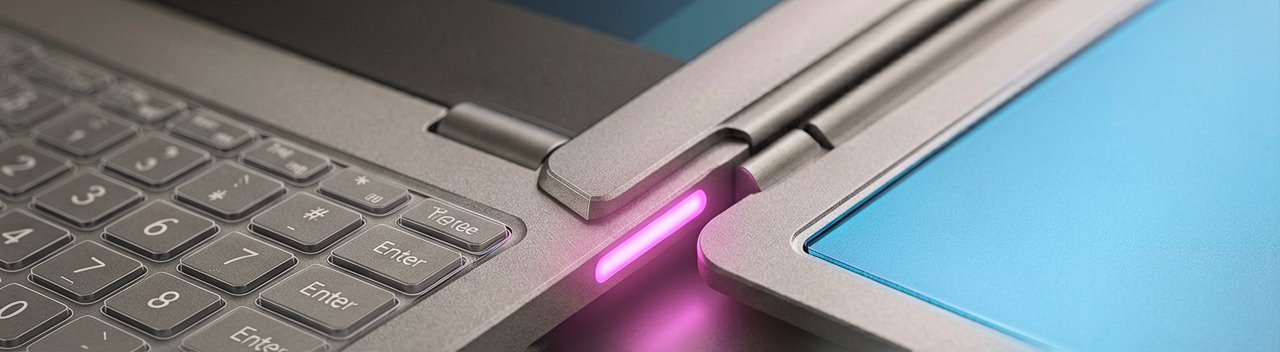
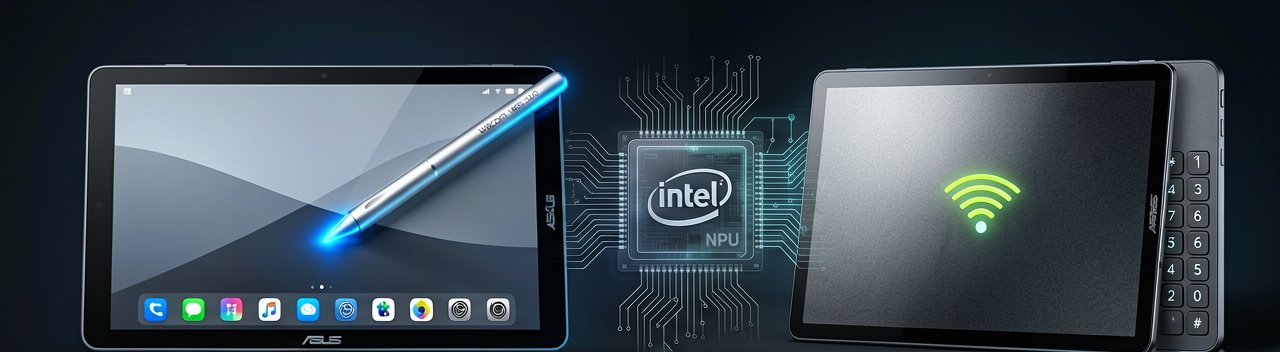
The defining divide between these two machines comes down to how you prefer to interact with your data. The TravelMate P2 Spin 14 is a convertible 2-in-1 workhorse equipped with a 360-degree hinge that effortlessly flips the 14-inch WUXGA touchscreen into laptop, tent, stand, or tablet modes. It is explicitly tailored for dynamic professionals who bounce between formal keyboard data entry, desk presentations, and on-the-go sketching. To sweeten the deal for digital note-takers, it comes standard with a garaged Wacom AES 2.0 stylus that tucked away neatly inside the chassis to charge. Conversely, the TravelMate X2 series, available in both 14-inch and 15-inch variants, opts for a classic, no-nonsense clamshell design. The X2 is built for pure, seated desk productivity, with the larger 15-inch model even packing a dedicated numeric keypad to keep the spreadsheet warriors happy.
Display and Interactive Real Estate
While both systems offer modern 16:10 aspect ratio displays that give you more vertical reading space for long documents and code, the touch capabilities change the formula. The P2 Spin 14 features a touch panel shielded by scratch-resistant Corning Gorilla Glass and an anti-fingerprint coating to keep smudges at bay during intensive tablet use. Over in the X2 camp, you are looking at standard anti-glare IPS panels featuring Acer's ComfyView matte finish. It might lack the tactile versatility of the Spin, but it is a massive boon for reducing eye strain during grueling eight-hour shifts under harsh office fluorescent lighting.
Connectivity and Field Deployability
When it comes to staying connected in a chaotic corporate environment, the P2 Spin 14 holds a slight edge by adopting Wi-Fi 7, making it an excellent future-proof choice for enterprises updating their wireless infrastructure. The TravelMate X2 series sticks to the slightly older, yet highly reliable Wi-Fi 6E standard. Both laptops serve up a healthy array of legacy and modern ports—including dual USB Type-C, USB Type-A, and HDMI 2.1—ensuring that field workers will rarely find themselves stranded without the right dongle during an external presentation. Ultimately, choosing between them is a matter of deployment philosophy: choose the P2 Spin 14 if your team thrives on touch inputs and versatile collaboration, or roll out the X2 series for a highly dependable, durable fleet deployment that masters the office basics.
Editorial Pros & Cons
| Model | Operational Advantages | Operational Disadvantages |
|---|---|---|
| Acer TravelMate X2 Series | Highly cost-effective fleet rollout; familiar, durable clamshell build; dedicated numerical keypad on 15-inch models; low maintenance overhead. | Lacks interactive touch input; capped at Wi-Fi 6E connectivity; heavier traditional design profile restricts dynamic field collaboration. |
| Acer TravelMate P2 Spin 14 | Extreme physical flexibility; integrated, self-charging Wacom AES 2.0 stylus; future-proof Wi-Fi 7 wireless module; higher NPU processing ceiling. | Higher acquisition cost per unit; complex 360-degree hinge mechanism increases physical fail points; glossy touch surface collects smudges. |
Reading Between the Lines: The choice between these two machines isn't actually about the processors, the silicon, or the hype surrounding artificial intelligence. It is a fundamental philosophical debate about how a modern corporate fleet should function. The TravelMate X2 series represents the ultimate safety play for conservative IT departments that want predictable, durable, and highly cost-effective cubicle hardware. It avoids the expensive engineering gymnastics of convertible hybrids, focusing instead on delivering a reliable traditional workstation that masters the daily grind of spreadsheets and emails without demanding special user behavior or complex software training.
On the flip side, the TravelMate P2 Spin 14 targets an entirely different class of enterprise user who views the traditional desk as an outdated relic. By packing a garaged active stylus and a flipping chassis into the equation, Acer is actively courting field engineers, medical professionals, and creative project leads who routinely collaborate on their feet. The inclusion of Wi-Fi 7 network infrastructure further cements its position as a forward-looking investment designed to outlast the typical three-year corporate hardware depreciation lifecycle. It trades the straightforward simplicity of a clamshell for the high-utility versatility demanded by modern hybrid workers who jump constantly between typing reports and sketching design blueprints.
Ultimately, a company's deployment strategy will hinge on balancing the immediate savings of a standardized rollout against the long-term productivity gains of a more dynamic workforce. While the X2 minimizes mechanical failure points by keeping things completely traditional, the P2 Spin 14 provides the physical interface tools necessary to actually exploit localized AI software to its fullest potential. If your workforce spends the entire day anchored to a desk, paying a premium for a turning screen and a stylus is a waste of corporate capital. But if your team thrives on interactive, face-to-face client meetings and real-time collaboration, forcing them into a rigid, non-touch clamshell is a recipe for operational stagnation.
"We are officially entering the era where laptops are marketed as hyper-intelligent cognitive partners, yet the ultimate deciding factor for most corporate buyers will still boil down to whether they want an expensive hinge that folds backward or a traditional numpad that speeds up accounting."
Artūras Malašauskas is an AI Systems Integrator with 20+ years of production-grade web engineering experience. He has designed, shipped, and scaled enterprise Python/PHP systems for logistics, SaaS, and public-sector clients. For the past year, he has focused exclusively on AI integrations: deploying open-source LLMs, building generative media pipelines (image, audio, video), and engineering multi-agent workflows for real production environments. His standard: reproducibility, security, cost-efficient inference—no vaporware. He documents and evaluates emerging AI tooling, separating verified capabilities from marketing noise. Technical editor at: muza-ai.eu, ai-verslas.lt, ai-naujinos.lt Connect on LinkedIn
Comments