Firefox Adds AI Off-Switch in Version 148
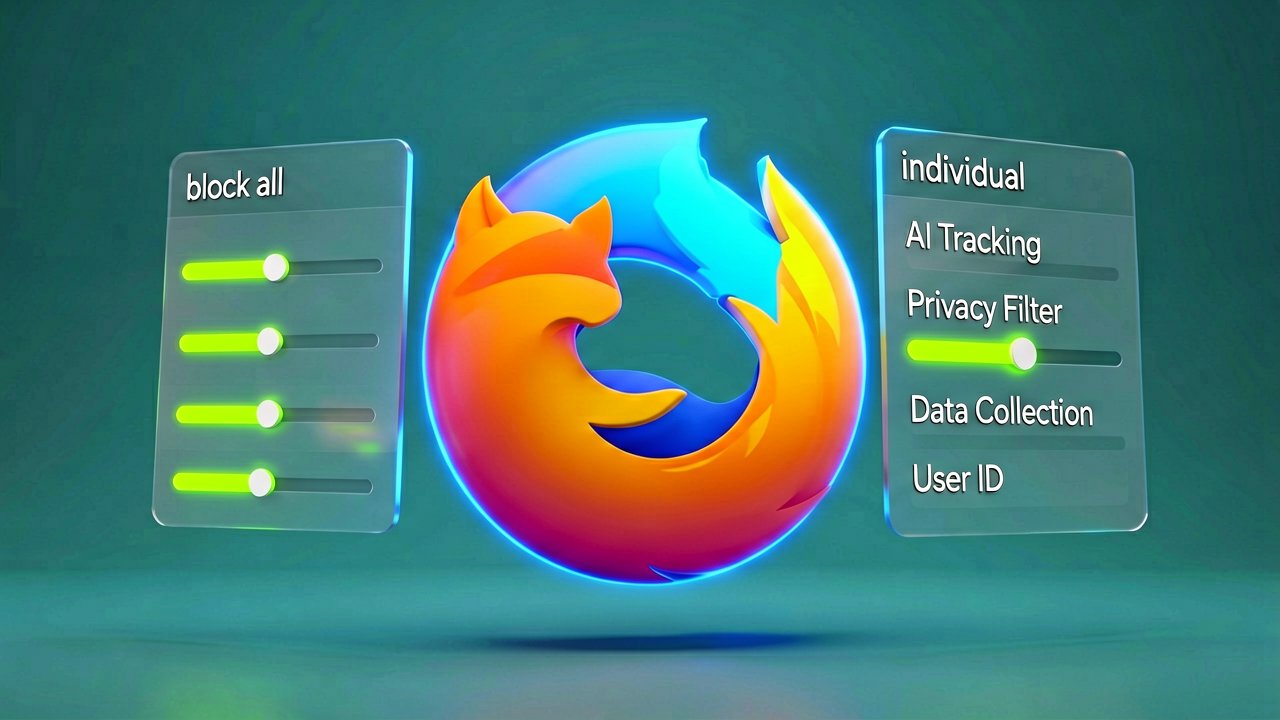
The browser landscape is shifting again, and this time the change comes from Mozilla. The company announced that Firefox 148 will include a centralized AI controls section, giving users the ability to disable all generative AI features with a single toggle. The update launches February 24, 2026.
This isn't just another settings menu buried deep in preferences. The new AI controls section sits prominently within desktop browser settings, accessible with a few clicks from the main menu. Users can flip a switch labeled "Block AI enhancements" and immediately stop seeing pop-ups, reminders, or prompts advertising AI features. The physical act of toggling it feels like closing a door you didn't know was open.
According to the official announcement on Mozilla's blog, the feature was built after listening to community feedback. Some users want nothing to do with AI. Others want tools that are genuinely useful. The company's response was to build controls that satisfy both groups simultaneously.
Ajit Varma, Head of Firefox, stated in an email to Mashable that Mozilla's approach to AI is grounded in the same principles that have long defined Firefox: real user choice and control. At a time when much of the industry is moving toward closed, AI-driven ecosystems, they're taking a different path. One that puts people, not platforms, in charge.
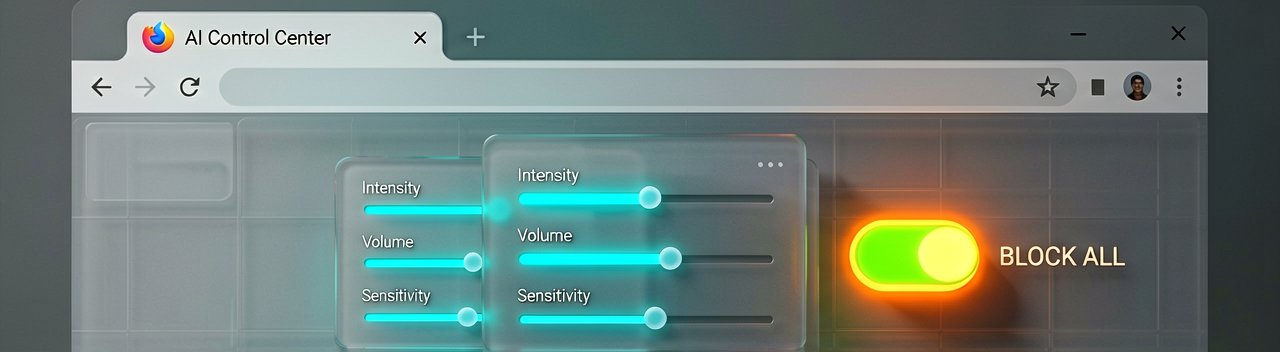
The granular controls let users manage individual features if they don't want to block everything. At launch, these include translations, alt text in PDFs, AI-enhanced tab grouping, link previews, and an AI chatbot in the sidebar. The chatbot supports options like Anthropic Claude, ChatGPT, Microsoft Copilot, Google Gemini, and Le Chat Mistral.
Independent reporting from Mashable confirms the timeline and scope of the changes. The article notes that Firefox users overwhelmed by AI slop and hallucinations have been waiting for the ability to totally turn off generative AI features. This is that ability.
Why does this matter? Because the alternative is increasingly difficult to avoid. Tech giants like Samsung, Google, and Microsoft are integrating AI features into every facet of online life. Laptops and PCs now come with Copilot pre-installed. Google has integrated AI overviews and AI Mode into its search tool and Gemini into Chrome. The latest mobile phones from Samsung are now "AI smartphones," with a full suite of generative AI features.
There's no way to fully remove the AI assistant Copilot from Windows laptops. You can disable it, but it remains in the system, waiting. Firefox's approach is different. When you toggle "Block AI enhancements," the features don't just hide. They're blocked entirely. Current and future generative AI features won't activate. No pop-ups. No reminders. No nagging.

Once you set your AI preferences in Firefox, they stay in place across updates. You can also change them whenever you want. This persistence matters because browser updates often reset preferences or introduce new defaults. The company's documentation explicitly states that settings remain locked until you change them yourself.
The feature will be available first in Firefox Nightly for early testing. Mozilla invites feedback on Mozilla Connect before the full rollout. This is standard procedure for major browser changes, but it also means users can test the controls before the official February 24 release date.
Other companies have taken similar stands. DuckDuckGo made AI optional after putting the decision to a user vote. Browser developer Vivaldi took a stand against incorporating AI altogether. Open-source email service Tuta also decided not to integrate AI features. After only 3% of Tuta users requested them, Tuta removed an AI copilot from its development roadmap.
Even Microsoft seems to have recoiled from pushing AI to everyone, although so far it has focused on walking back defaults and tightening per-feature controls rather than offering a single, global off switch. The difference is philosophical. Microsoft's approach is about managing AI. Mozilla's is about eliminating it if you want.
The physical experience of using Firefox with AI controls enabled is straightforward. Open the menu. Navigate to settings. Find the AI controls section. Toggle the switch. That's it. No confirmation dialogs. No "are you sure?" prompts. No marketing copy explaining why you might want to reconsider. Just a switch that works.
This simplicity is intentional. The company's blog post emphasizes that choice is more important than ever as AI becomes part of people's browsing experiences. What matters is giving people control, no matter how they feel about AI. The language is measured, but the implication is clear: the industry has been moving too fast without asking users.
Some will argue that blocking AI features limits functionality. Translation tools, accessibility features like alt text in PDFs, and link previews all rely on AI. But the choice is yours. You can enable individual features while blocking others. The controls are granular enough to satisfy power users who want specific tools without the full suite.
The timing is also notable. February 2026 is when AI fatigue is becoming measurable. Users are tired of AI slop. They're tired of hallucinations. They're tired of features that don't work as advertised. Firefox's move acknowledges this reality without being preachy about it.
Whether this positions Firefox as a privacy-focused alternative to Chrome remains to be seen. The browser already has a reputation for respecting user choice. This update reinforces that reputation. But the real test is whether users actually notice and use the controls.
Many won't. They'll keep the defaults. They'll accept the AI features. They'll click through the pop-ups. That's human behavior. But for those who want control, the option exists. And that's the point.
The browser market is competitive. Google Chrome dominates. Apple Safari is locked into iOS. Firefox's niche has always been about choice. This update doubles down on that positioning. Whether it translates to market share is another question entirely.
For now, the switch exists. Users can toggle it. The features will be blocked. That's the promise. Whether it delivers on the broader vision of user control in an AI-saturated web is something only time will reveal. Whether users actually pay attention to the controls remains the real question.
Artūras Malašauskas is an AI Systems Integrator with 20+ years of production-grade web engineering experience. He has designed, shipped, and scaled enterprise Python/PHP systems for logistics, SaaS, and public-sector clients. For the past year, he has focused exclusively on AI integrations: deploying open-source LLMs, building generative media pipelines (image, audio, video), and engineering multi-agent workflows for real production environments. His standard: reproducibility, security, cost-efficient inference—no vaporware. He documents and evaluates emerging AI tooling, separating verified capabilities from marketing noise. Technical editor at: muza-ai.eu, ai-verslas.lt, ai-naujinos.lt Connect on LinkedIn
Comments