Google Gemini Gets Native Mac App with System-Wide AI Access
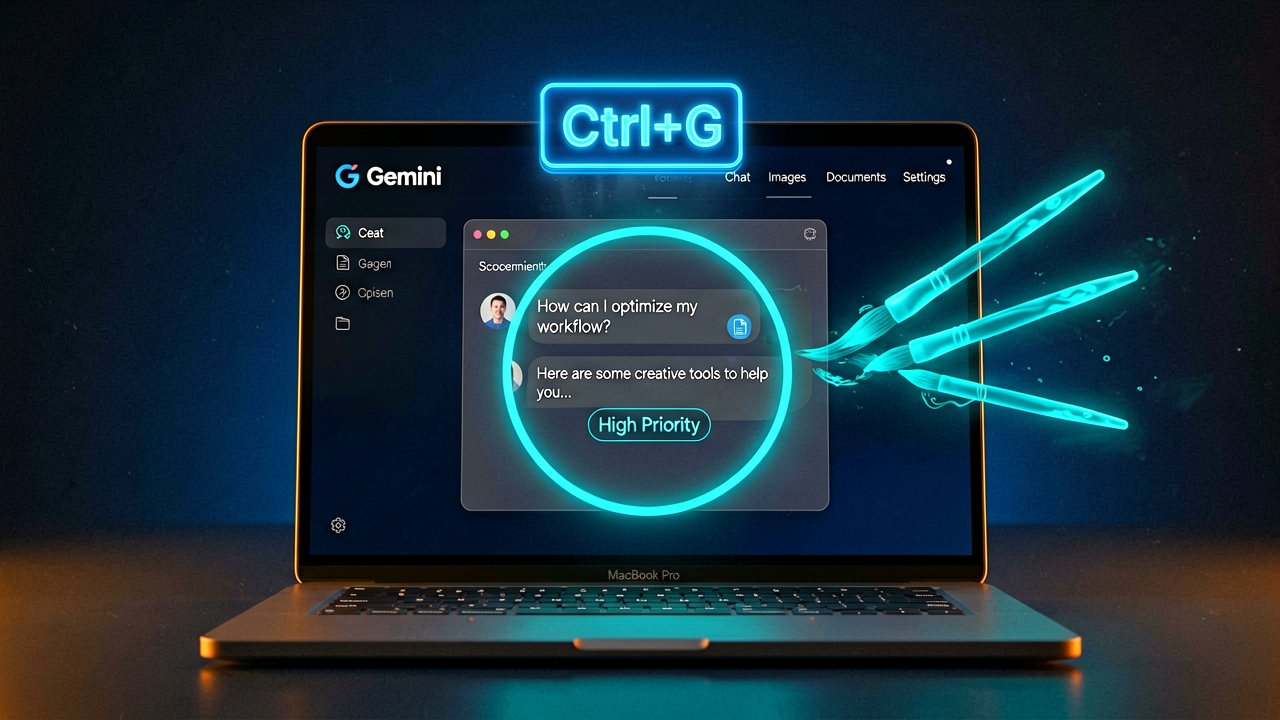
Google has officially launched a native Gemini application for macOS, marking the final major AI service to establish a dedicated desktop presence on Apple's platform. The app arrives with system-wide keyboard shortcuts, screen-sharing capabilities for contextual assistance, and integrated creative tools for image and video generation.
The announcement comes via Google's official blog, which details the core functionality: users can summon the AI assistant from any window using Option + Space for a mini chat interface, or Option + Shift + Space for the full conversation window. This eliminates the friction of tab-switching that has plagued desktop AI workflows (a problem that has plagued users for years, frankly).
According to the official product announcement, the app is designed to live "right where you work." The Share Window feature allows Gemini to analyze anything visible on screen—spreadsheets, charts, documents—without requiring users to copy, paste, or navigate away from their current task.
For creatives, the integration includes Nano Banana for image generation and Veo for video creation, both accessible through the same interface. The physical reality of this workflow means fewer clicks, less context switching, and the ability to iterate on ideas without breaking concentration. That said, the app requires macOS 15 (Sequoia) or later and runs exclusively on Apple Silicon chips, excluding Intel-based Macs from the experience.
MacRumors corroborates the launch details and pricing structure, noting that while the app itself is free to download, Google's subscription tiers govern usage limits. Google AI Plus costs $7.99 monthly, AI Pro runs $19.99, and the Ultra tier reaches $249.99 per month. Free access remains available but restricted in scope.
The technical requirements reveal some friction points. To enable full browser page reading, users must grant Gemini Accessibility permissions through System Settings > Privacy & Security. This adds a setup step that may deter less technical users, and the permission model itself raises questions about what data the assistant can actually see during operation.
Google positions this release as "the first step toward a personal, proactive, and powerful desktop assistant," with additional features promised in coming months. The company's documentation emphasizes speed and integration over novelty—the app syncs conversation history across devices when logged into the same Google account, maintaining continuity between mobile and desktop sessions.
Industry context matters here. OpenAI and Anthropic have had dedicated Mac apps for some time, making Gemini the last of the three major AI services to establish native desktop presence. This suggests Google was prioritizing other platforms or refining the experience before committing to macOS.
Privacy considerations remain unaddressed in the official announcement. While the app can read screen content and access local files, Google has not published specific details about data handling, retention policies, or whether screen content is processed locally or sent to servers. Small business owners and enterprise users should evaluate this before deploying the tool with sensitive materials.
The keyboard shortcut design shows some thoughtfulness. Option + Space mirrors macOS's native Spotlight search behavior, creating muscle memory for users already accustomed to system shortcuts. However, this also means potential conflicts with existing keyboard bindings in other applications, requiring customization through the app's Settings menu.
Whether users actually pay for the subscription tiers remains the real question. The free tier's limitations aren't clearly defined in the announcement, and power users who hit those caps may find themselves locked out of features they've already integrated into their workflows. That's a friction point that could drive churn.
For now, the app represents a legitimate step toward desktop AI integration, but it's not a revolution. It's a tool that works well within its constraints, and whether those constraints matter depends entirely on what you're trying to accomplish. The technology exists; the business model will determine who gets to use it effectively.
Artūras Malašauskas is an AI Systems Integrator with 20+ years of production-grade web engineering experience. He has designed, shipped, and scaled enterprise Python/PHP systems for logistics, SaaS, and public-sector clients. For the past year, he has focused exclusively on AI integrations: deploying open-source LLMs, building generative media pipelines (image, audio, video), and engineering multi-agent workflows for real production environments. His standard: reproducibility, security, cost-efficient inference—no vaporware. He documents and evaluates emerging AI tooling, separating verified capabilities from marketing noise. Technical editor at: muza-ai.eu, ai-verslas.lt, ai-naujinos.lt Connect on LinkedIn
Comments