Adobe Premiere 26.0 Unveils AI Masking Tools
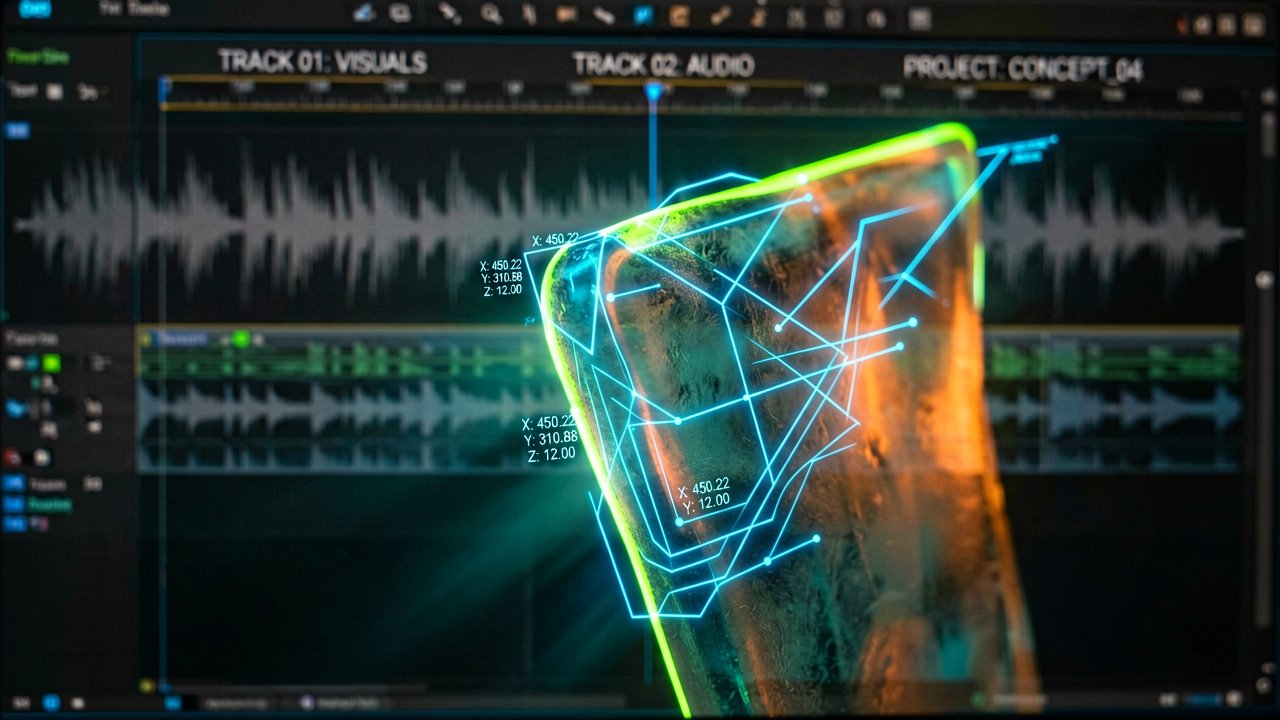
Premiere 26.0, Adobe's newly renamed video editing suite (dropping "Pro" from its name), officially launched with a suite of AI-driven tools focused on streamlining complex masking workflows. The January 2026 announcement centers on the AI-powered Object Mask feature, which Adobe claims eliminates the need for manual rotoscoping through a simple hover-and-click interface.
According to Adobe's official blog, the Object Mask tool uses a new on-device AI model to identify people and objects in footage, allowing editors to "hover and click to generate precise masks in seconds" with colored visual overlays for real-time refinement. The tool's ability to track complex moving subjects without manual keyframing—such as isolating a presenter's face for color grading or blurring a background—represents a significant shift from previous masking methods that required hours of frame-by-frame adjustments. The blog details how colored overlays snap into place as editors hover across frames, eliminating the need for tedious manual tracing.
The redesigned shape masks (Rectangle, Ellipse, and Pen tools) now include rounded-corner control and constrained straight lines, editable both visually and numerically within the program monitor. This eliminates the need to toggle between panels for mask adjustments, keeping editors focused on the frame rather than menu navigation. The physical reality of using the tool—hovering over a moving subject, seeing overlays snap into place, clicking, and watching the mask track the subject without manual intervention—feels more intuitive than the old method of manually tracing edges, though the tactile feedback of clicking a mouse button remains unchanged.
Additional workflow improvements include GPU-accelerated thumbnails that match graded clips' color accuracy, native Windows on ARM support for Copilot Plus PCs, and Nikon R3D NE format compatibility. The latter, which supports 32-bit float audio and embedded lens metadata, reduces transcoding steps for Nikon shooters—a minor but welcome efficiency gain for a niche audience. The redesigned mask tools also feature bi-directional tracking, allowing editors to find the perfect starting frame to track forward and backward with a single click.

Adobe emphasizes that the AI model is entirely on-device and does not use customer data for training, addressing privacy concerns that have plagued other AI tools. The company also notes that the new Object Masking tool integrates with over 90 effects, transitions, and animations recently added to Premiere, turning masks into "building blocks of your creativity instead of roadblocks to your flow." This is particularly relevant for editors who rely on third-party plugins for effects, as the tool reduces the need to bounce clips into After Effects for complex composites.
Whether the promise of "less fiddling, more creating" holds up in practice remains uncertain. For now, the tool's ability to isolate a moving subject with a single click is a tangible step toward reducing the tedious labor that has long defined video editing workflows (a problem that has plagued editors for years, frankly). The real test will be whether the AI can consistently handle complex scenes without manual corrections, a hurdle that's plagued previous attempts at automated masking.
Artūras Malašauskas is an AI Systems Integrator with 20+ years of production-grade web engineering experience. He has designed, shipped, and scaled enterprise Python/PHP systems for logistics, SaaS, and public-sector clients. For the past year, he has focused exclusively on AI integrations: deploying open-source LLMs, building generative media pipelines (image, audio, video), and engineering multi-agent workflows for real production environments. His standard: reproducibility, security, cost-efficient inference—no vaporware. He documents and evaluates emerging AI tooling, separating verified capabilities from marketing noise. Technical editor at: muza-ai.eu, ai-verslas.lt, ai-naujinos.lt Connect on LinkedIn
Comments