Google's Create My Widget Lets You Build Custom Android Dashboards With Natural Language
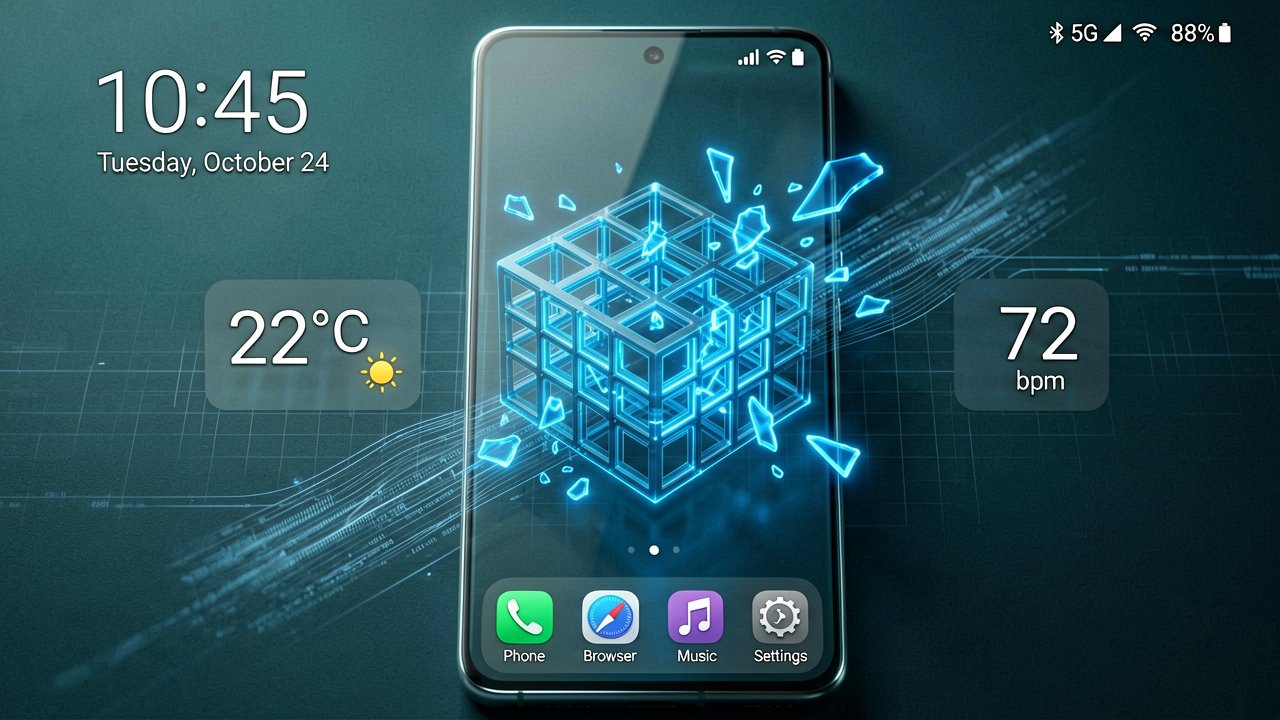
Google unveiled Create My Widget during its pre-Google I/O Android Show event, a feature that lets Android users build custom home screen widgets using natural language descriptions. The capability launches this summer on the latest Samsung Galaxy and Google Pixel phones as part of the broader Android 17 update.
The feature represents Google's first step into generative UI territory. Users describe what they want in plain English, and the system generates a functional widget. For example, typing "suggest three high-protein meal prep recipes every week" produces a customizable dashboard that appears on the home screen. Cyclists can request weather widgets displaying only wind speed and rainfall data. The interface handles the technical complexity while users focus on outcomes.
According to TechCrunch's coverage, the feature leverages Gemini AI to pull information from the web and connect with Google apps like Gmail and Calendar. Planning a family reunion in Berlin? The system can gather flight details, hotel confirmations, restaurant reservations, and add a countdown function into a single widget. This integration happens privately, accessing only the user's own data.
Ben Greenwood, director of product management for Android Core Experiences at Google, explained the vision during a reporter briefing. "This is like you asking your personal assistant a question, and having them just bring you the answer on repeat," Greenwood said. "So think of it as asking Gemini things about the world, things about its knowledge of what's going on and events, as well as things about your personal data. Those are sort of the two areas that unlock an enormous number of use cases that we're super excited about."
Custom widgets have existed on Android since 2009, but they've always required predefined data formulas. Third-party apps like KWGT and Widgetopia offer customization, yet they still depend on static data sources—weather, battery percentage, stock prices. Unless you're comfortable writing code, you're limited to what developers built. Create My Widget changes that constraint by generating widgets on demand (which is actually pretty impressive for a feature that debuted just last week).
The physical interaction matters here. Instead of navigating through app menus, tapping settings, and configuring individual data points, users speak or type a natural language request. The widget appears on the home screen, resizable and repositionable like any standard Android widget. The friction of widget creation drops from minutes of configuration to seconds of description.
Create My Widget sits under the Gemini Intelligence umbrella alongside other Android 17 features. These include multi-step task automation, improved autofill capabilities, and a new Rambler tool for speech-to-text conversion. Google says the features will roll out in waves, starting with flagship phones this summer, then expanding to Android watches, cars, glasses, and laptops later in 2026.
For Apple users watching from the sidelines, the competitive pressure is mounting. At WWDC 2025, Apple focused on visual iOS overhauls rather than AI functionality. By WWDC 2026 in June, the company must deliver meaningful agentic AI features or risk iOS 27 looking outdated compared to Android 17's generative capabilities. Google is now Apple's AI partner, though the specifics of that relationship remain unclear.
The feature's success depends on execution. Generative AI can hallucinate, misinterpret requests, or create widgets that don't function as expected. Privacy concerns also surface when AI systems access personal calendars, emails, and messages. Google claims the data processing happens privately, but the architecture details remain vague.
Whether users actually adopt this beyond novelty testing remains the real question. Most Android users already have functional widgets for weather, calendars, and notifications. The value proposition hinges on whether natural language widget creation saves enough time to justify the learning curve. For power users who've never coded a custom widget, the barrier drops significantly. For everyone else, it's another AI feature hoping to prove its worth.
The tech works on paper. The question is whether it works when you're trying to find your flight confirmation widget at 6 AM before a connecting flight.
Artūras Malašauskas is an AI Systems Integrator with 20+ years of production-grade web engineering experience. He has designed, shipped, and scaled enterprise Python/PHP systems for logistics, SaaS, and public-sector clients. For the past year, he has focused exclusively on AI integrations: deploying open-source LLMs, building generative media pipelines (image, audio, video), and engineering multi-agent workflows for real production environments. His standard: reproducibility, security, cost-efficient inference—no vaporware. He documents and evaluates emerging AI tooling, separating verified capabilities from marketing noise. Technical editor at: muza-ai.eu, ai-verslas.lt, ai-naujinos.lt Connect on LinkedIn
Comments