Unity Launches AI Assistant Open Beta for Game Development
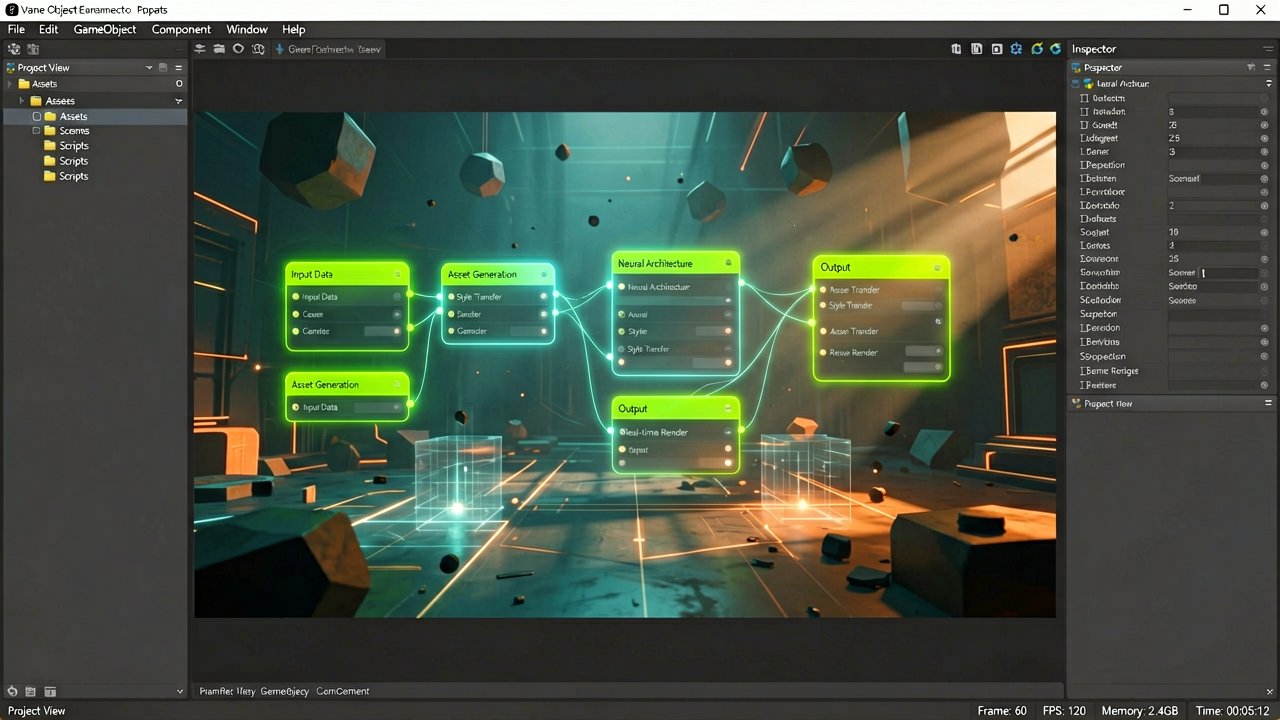
The game engine developer Unity has officially launched open beta access to Unity AI, an integrated assistant designed to accelerate game development workflows directly within the editor.
According to the official announcement on Unity's discussion forum, the beta is available for all developers running Unity 6 and above. The toolset includes an agentic in-project assistant, an AI Gateway for third-party model connections, and an MCP Server for IDE integration.
What sets this apart from generic AI coding assistants is the deep project context. Unity's agent understands the specifics of Unity workflows—animation state machines, behavior trees, scene architecture—rather than treating game development as another coding task. This matters because most LLMs fail at Unity-specific operations, requiring developers to manually translate generic suggestions into working code.
The core features break down into three main components. First, the Agentic Assistant offers Plan Mode, which converts loose design ideas into implementation plans before execution. It can follow end-to-end instructions including full Game Design Documents without skipping steps. Second, the AI Gateway lets developers connect their own API keys for third-party agents directly into the Assistant interface. Third, the Model Context Protocol (MCP) Server bridges Unity with external IDEs and LLM applications for scripting and automation.

Asset generation capabilities include placeholder materials, sounds, cubemaps, and 2D/3D assets based on text descriptions or image references. A notable feature: developers can paste a Figma link and the assistant generates production-ready UI Toolkit or uGUI code with all assets already connected. No manual exports. No guessing at spacing. Just Figma in, playable UI out.
Control mechanisms address a major concern in AI-assisted development. Checkpoints allow rollback across both code and assets at any time. Generated assets are automatically tagged for easy auditing before shipping. Developers can also set permissions to control agent autonomy, ensuring AI doesn't make unauthorized changes to critical systems.
Pricing structure varies by subscription tier. Unity Personal Edition users get a free trial with 1,000 credits valid for 14 days, then $10 per month for 1,000 AI credits. Additional credits can be purchased separately. Pro, Enterprise, and Industry subscribers receive Unity AI features and credits included in their existing seats—no additional cost beyond their current subscription.
Performance claims from Unity's documentation state the agent outperforms general-purpose frontier AI models on Unity-specific tasks. Individual results may vary based on project complexity and task types, though. (Internal benchmarks don't always translate to real-world projects, especially when dealing with legacy codebases.)
The AI Gateway requirement has sparked some community discussion. While developers can connect third-party AI subscriptions, the Gateway itself requires a Unity AI subscription on Personal plans. This means you still need to pay Unity even if you're bringing your own model—just with the option to use your preferred agent instead of Unity's.
System requirements are straightforward: Unity 6 or greater, the Assistant package installed via Package Manager, and a project linked to Unity Cloud. The Assistant button appears in the Editor once packages are installed. Documentation provides step-by-step setup instructions for those who can't locate the button.
Security and data handling are addressed in the FAQ section. Unity AI uses project data to ground responses in context, but developers can disable the beta entirely if needed. Asset generation can also be selectively disabled. The terms apply specifically to the beta program, with details available on Unity's official documentation page.
Industry context matters here. Unity has been building AI tools since Unity Muse launched earlier, but this represents a shift from standalone tools to integrated agentic workflows. The difference is significant: instead of generating code snippets in isolation, the agent can execute multi-step changes across different parts of your architecture and verify results directly in the editor.
For studios already using AI tools, the MCP Server offers a bridge to existing workflows. Developers can control the Editor from their preferred IDE or LLM application, automating editor tasks within their current setup. This is more performant than open source alternatives according to Unity's claims.
The full release date remains unannounced. Beta programs in game development often extend months, especially when dealing with complex integration scenarios. Whether the $10 monthly fee becomes standard for indie developers remains to be seen, particularly as competitors like Unreal Engine and Godot develop their own AI capabilities.
Whether developers actually pay for it remains the real question. The free trial provides enough credits to test core functionality, but sustained use requires subscription commitment. For teams already on Pro or Enterprise, the value proposition is clearer—features are included in existing seats. For solo developers and small studios, the cost-benefit analysis depends entirely on how much time the agent actually saves versus manual work.
More information about Unity AI can be found on the official Unity AI features page. The beta announcement details are available on the Unity Discussions forum.
Artūras Malašauskas is an AI Systems Integrator with 20+ years of production-grade web engineering experience. He has designed, shipped, and scaled enterprise Python/PHP systems for logistics, SaaS, and public-sector clients. For the past year, he has focused exclusively on AI integrations: deploying open-source LLMs, building generative media pipelines (image, audio, video), and engineering multi-agent workflows for real production environments. His standard: reproducibility, security, cost-efficient inference—no vaporware. He documents and evaluates emerging AI tooling, separating verified capabilities from marketing noise. Technical editor at: muza-ai.eu, ai-verslas.lt, ai-naujinos.lt Connect on LinkedIn
Comments