HitPaw Drops VikPea V5.4.0: AI-Driven Stylization and Smarter Workflows for Creators
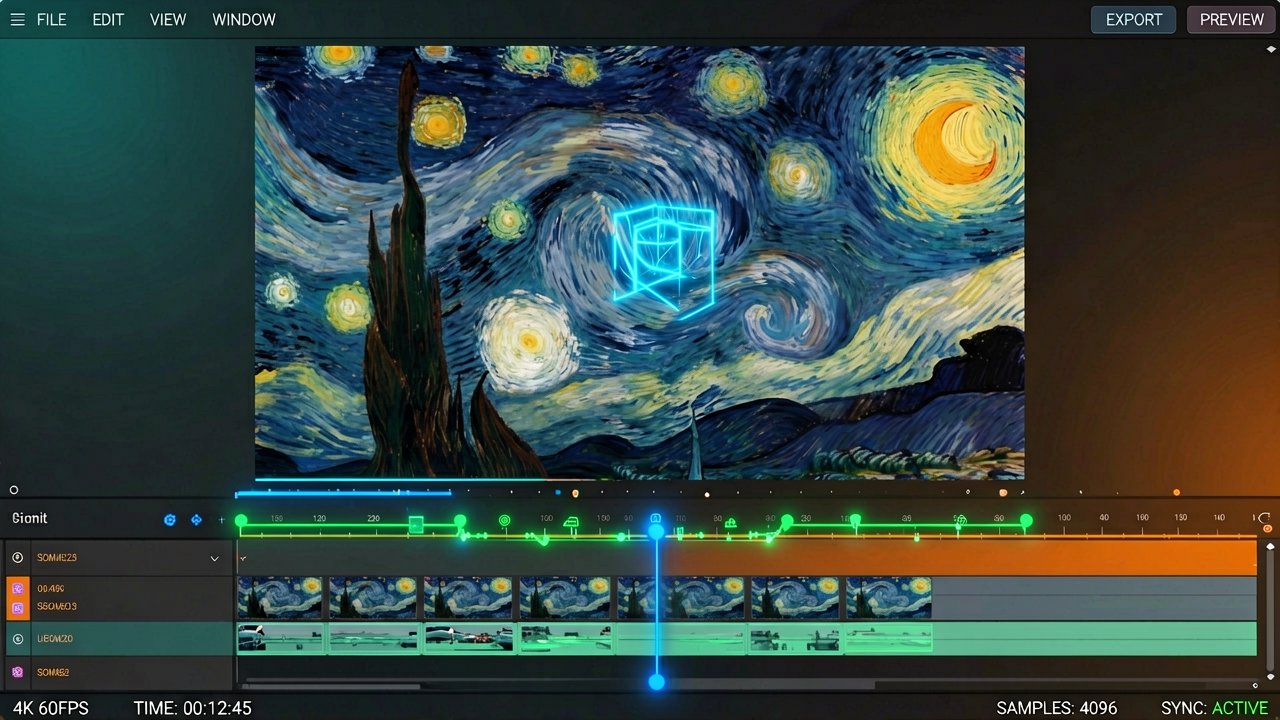
Multimedia software developer HitPaw officially rolled out its latest major update, VikPea V5.4.0, on July 2, 2026. This version pushes the desktop video editing platform deeper into generative AI territory, bringing a fresh set of stylization brushes, highly precise facial touch-ups, and data-ingestion tweaks tailored to modern creators. It is a clear push to cut down the tedious friction points that typically bog down digital workflows.
The headline feature here is a brand-new AI Video Stylization system, which gives editors the power to re-skin standard footage into cinematic aesthetics like Cyberpunk, Van Gogh, or Ghibli-inspired art using simple text prompts or presets. What makes this implementation interesting is its focus on maintaining strict motion consistency across frames, avoiding the distracting, hyperactive flickering that often plagues AI-generated animations. According to the official documentation on the HitPaw Release Notes page, the underlying generative engines have also been retrained to clean up blurred on-screen text, rendering significantly sharper subtitles and overlays during the upscaling process.
Intelligent Tracking and Streamlined Sourcing
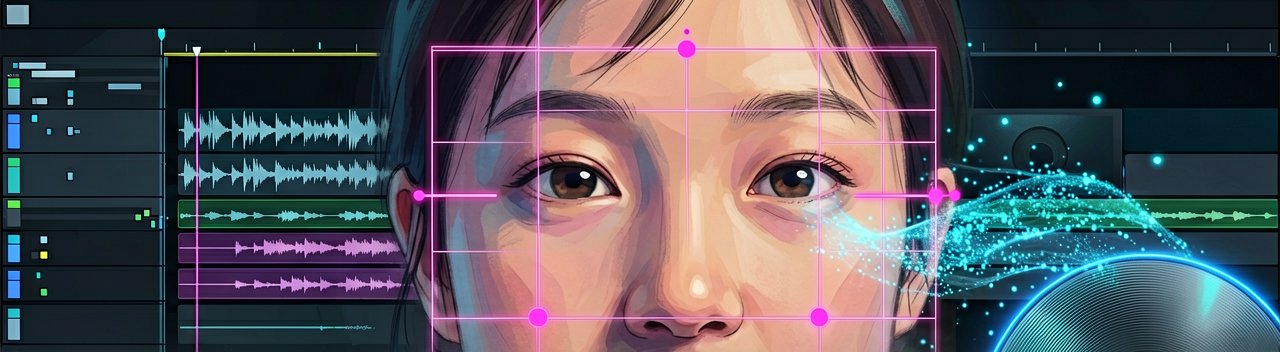
Beyond artistic filters, the update updates the platform's face-centric capabilities. A revamped Face Tracking Video Beauty tool locks enhancement effects onto specific faces within a scene, ensuring that digital skin smoothing or lighting corrections do not drift or break when multiple people move through the frame. The software also tackles a long-standing workflow annoyance by expanding its ingestion options; users can now pull source media directly into the timeline using standard YouTube or TikTok URLs, or extract files straight from legacy physical media like DVDs and Blu-rays.
Performance under the hood gets a noticeable bump as well. The update delivers roughly 20% faster export speeds for portrait restoration projects alongside improved stabilization algorithms to iron out shaky, handheld footage. The application remains available across both Windows and macOS ecosystems, anchoring itself as an increasingly robust tool for automated desktop post-production.
Behind the Tech Stack: The race to capture the attention of the modern digital creator is increasingly being won in the margins of timeline efficiency rather than the raw power of rendering engines. HitPaw’s decision to build out its AI-driven stylization tools reflects a massive paradigm shift in how desktop video editors operate. For years, localized video modification relied heavily on manual rotoscoping, precise keyframing, and heavy third-party plug-in suites that cost hundreds of dollars. By embedding temporal consistency directly into consumer-grade software, developers are bypassing these classic bottlenecks, democratizing visual effects that used to require a dedicated post-production team.
Solving the Generative Flicker Problem
The tech driving the new stylization filters addresses one of the most frustrating hurdles in AI video generation: frame-to-frame incoherence. Early iterations of generative style-transfer software processed video files as a series of isolated static frames, resulting in an aggressive, strobing effect that fatigued the eyes of the viewer. Industry analysts note that achieving motion consistency requires deep integration between optical flow tracking and neural networks, allowing the software to "remember" the placement of pixels from one frame to the next. In practice, this means a stylized cyberpunk neon glow actually tracks smoothly down a rainy street instead of randomly shifting shapes and hues sixty times a second.
From a creator’s perspective, the immediate value of these tools lies in the rapid prototyping of content. YouTube creators, independent filmmakers, and social media managers are under immense pressure to deliver high-quality visuals on hyper-compressed schedules. Features that allow an editor to instantly pivot the visual tone of an entire sequence—without re-rendering or jumping between external cloud-based AI generation platforms—keep the creative momentum localized inside a single piece of software. This self-contained environment drastically reduces the risk of file corruption and formatting errors during multi-platform exports.
The Localized Edge Over Cloud Alternatives
This release also highlights an ongoing philosophical debate within the software industry regarding local hardware versus cloud computation. While industry heavyweights are leaning heavily into cloud-based generative credits, desktop platforms like VikPea utilize localized GPU acceleration. This model appeals directly to security-conscious editors and those working in bandwidth-constrained environments. By relying on local silicon to compute facial tracking data and upscaling algorithms, creators maintain full custody of their footage, entirely avoiding the recurring subscription fees and processing queues associated with server-dependent alternatives.
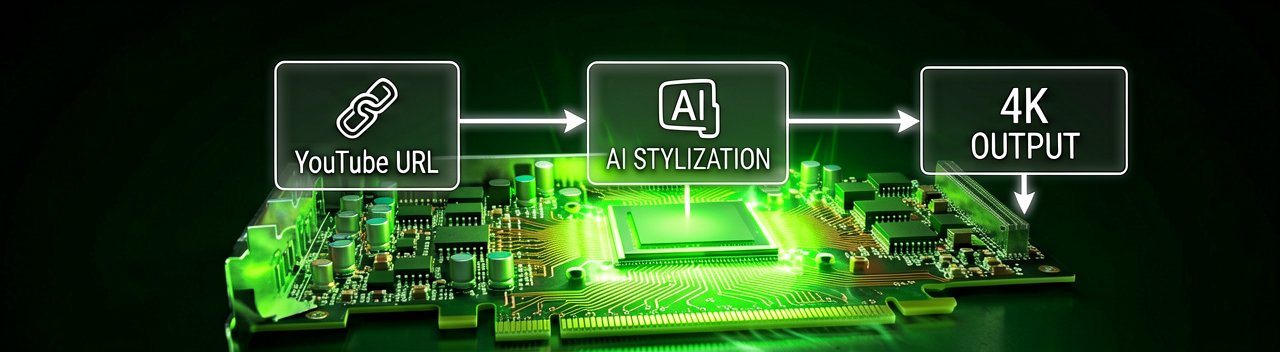
Ultimately, the inclusion of direct-from-URL importing and legacy physical media decoding suggests a pragmatic understanding of the modern media landscape. Content creators do not always work with pristine, high-resolution source files; they frequently remix archival footage, pull reference clips from web links, or digitize home media libraries. By bridging the gap between old-school physical storage formats and modern web-native ecosystems, the development team has shifted the platform away from being a simple, entry-level editing suite and toward functioning as an agile, all-in-one digital media hub.
Reading Between the Lines: The promotional narrative surrounding automated desktop video suites often promises a seamless paradise of effortless content creation, but the reality of running heavy generative AI models on consumer-grade hardware tells a much more complicated story. While software developers tout the magic of one-click "Cyberpunk" or "Van Gogh" transformations, they rarely mention the intense thermal throttling and system strain these tasks impose on average machines. The friction hasn't vanished; it has merely migrated from the creative process to the hardware layer, turning the classic timeline rendering bottleneck into a local system resource battle.
The Paradox of Automated Aesthetics
There is also an undeniable creative irony at play when a platform prioritizes hyper-stylized AI filters alongside advanced facial "beauty" tracking tools. On one hand, editors are encouraged to radically warp reality into a shifting canvas of digital art. On the other hand, the software uses precise algorithms to anchor human faces into standardized, mathematically smoothed ideals. This dual approach reveals a striking contradiction in modern audience expectations, where the demand for wild, uninhibited visual novelty coexists with a strict, almost clinical obsession with cosmetic perfection.
Furthermore, the convenience of the newly integrated direct-from-URL smart import function presents a legal and ethical gray area that tech companies are eager to gloss over. By making it incredibly simple to scrape video assets directly from platforms like YouTube or TikTok straight into a local timeline, the software lowers the technical barrier to copyright infringement. While it is undoubtedly a massive time-saver for legitimate fair-use remixers and commentary channels, it also facilitates lazy content duplication in an online economy already choked by algorithmically generated plagiarism.
The Real Price of Desktop Autonomy
While the avoidance of cloud subscription fees and server queues is a massive win for localized privacy, it also forces users into a costly hardware upgrade cycle. Maintaining temporal consistency across 4K video frames using localized GPU acceleration requires serious computational horsepower, meaning the creators who stand to benefit the most from these automated workflows are precisely the ones who must invest thousands in top-tier silicon. For the casual creator, the promise of democratized visual effects remains gatekept not by software complexity, but by the physical limits of their desktop computer.
It seems the modern digital creator's ultimate destiny is to spend less time learning the nuance of lighting a scene, and far more time listening to their desktop fans mimic a commercial jet taking off just to smooth out a blemish or turn a suburban backyard into an anime landscape.
Artūras Malašauskas is an AI Systems Integrator with 20+ years of production-grade web engineering experience. He has designed, shipped, and scaled enterprise Python/PHP systems for logistics, SaaS, and public-sector clients. For the past year, he has focused exclusively on AI integrations: deploying open-source LLMs, building generative media pipelines (image, audio, video), and engineering multi-agent workflows for real production environments. His standard: reproducibility, security, cost-efficient inference—no vaporware. He documents and evaluates emerging AI tooling, separating verified capabilities from marketing noise. Technical editor at: muza-ai.eu, ai-verslas.lt, ai-naujinos.lt Connect on LinkedIn
Comments