The Autonomous Shift: How to Actually Deploy Google’s New AI Agents

For over a year, tech giants promised us that chatbots were just a stepping stone. We were told that the real revolution would arrive when AI stopped waiting for our prompts and started doing our work for us. Google has finally crossed that rubicon with its latest rollout of agentic AI capabilities. These are not just smarter text boxes; they are proactive digital workers capable of monitoring data, navigating deep software layers, and executing multi-step tasks across the Google ecosystem without a human holding their hand every step of the way.
Navigating this shift requires moving past basic prompt engineering. Instead of asking a model to draft an email, you are now setting up a system where an agent monitors your workspace, recognizes an urgent client issue, cross-references internal spreadsheets, and cues up a response for your approval. This hands-off functionality is built directly into consumer apps and developer platforms alike. As detailed by Virtualworkforce.ai , managing these agents effectively depends on setting strict data permissions and understanding where automation ends and human oversight begins.
Step 1: Activate AI Mode and Set Your Objectives
The easiest entry point to Google’s agentic universe is through the native applications you already use daily. On mobile devices, opening the main Google app reveals a dedicated "AI Mode" toggle on the home screen. Activating this mode shifts the engine from a reactive search tool into a persistent monitoring asset. To launch an agent, you supply a target goal rather than a one-time question. For instance, instructing the system to track specific market changes or supply chain updates commands the agent to work in the background, continuously analyzing web updates and sending real-time push notifications when relevant anomalies surface.
Step 2: Build Workflow Automation in Workspace Studio
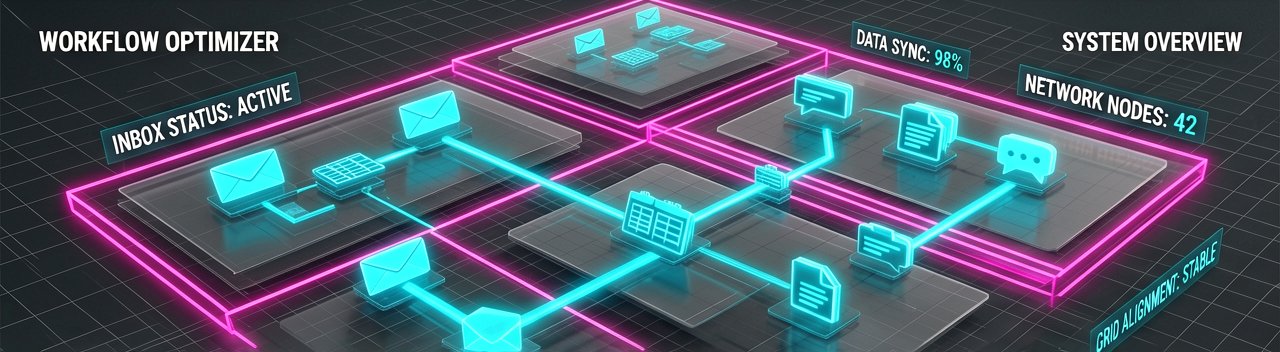
For professionals looking to offload routine office tasks, the true power lies within Google Workspace Studio. If your domain administrator has granted access via the admin console, you can head directly to the Studio platform to orchestrate complex logic. Building an agent starts by using the "Describe a Task" feature. You write out a natural language blueprint of the workflow you want automated, such as telling the system to sort incoming inbox messages, extract key metrics into a central sheet, and ping a team chat for urgent escalations. The underlying Gemini architecture parses this instruction and automatically hooks the necessary workspace tools together.
Step 3: Define Context and Establish Guardrails
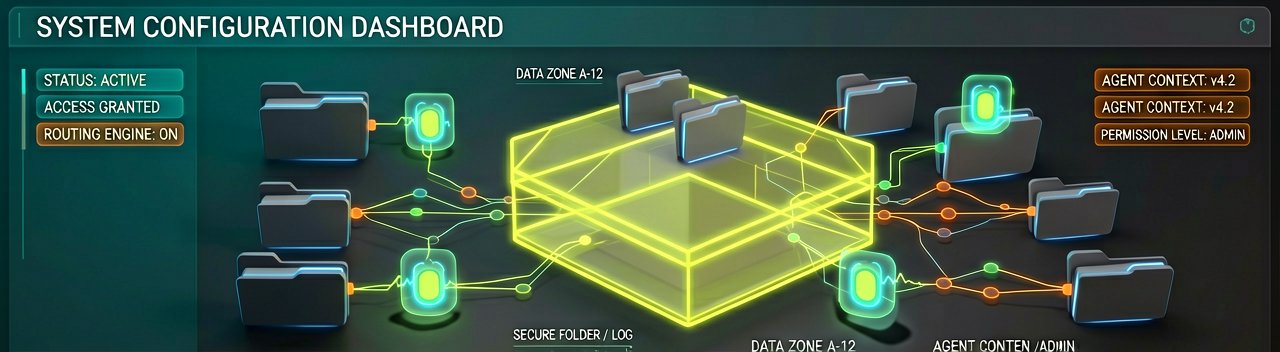
An autonomous agent is only as good as the boundaries you give it. Inside the configuration dashboard, you must link the agent to specific data sources, whether that means uploading reference PDFs or pointing it toward a dynamic folder directory. This is also where you implement crucial security checks. Tech experts documenting deployments at Medium emphasize that production agents can fail spectacularly without defined stop conditions. To prevent an agent from looping infinitely or burning through data limits, you need to toggle on approval gates for irreversible actions, ensuring the agent pauses and asks for explicit human validation before sending out emails or altering live data tables.
Step 4: Test, Monitor, and Refine
Before leaving an agent to run completely on its own, it is vital to utilize the platform's built-in simulation tools. The interactive simulator lets you run trial conversations and mock workflows to see exactly how the agent behaves under pressure. You can watch the step-by-step reasoning loop unfold to verify it is choosing the correct tools. If the agent misinterprets a dataset or handles a file incorrectly, you can refine its core guidelines, tweak its access levels, or adjust the model's inherent reasoning depth parameters. Once the behavior proves reliable, deploying the agent puts your digital assistant to work around the clock.
What Most Reports Miss: The mainstream narrative framing Google's agentic shift treats it as a sudden, spontaneous breakthrough in software engineering. In reality, this is the culmination of a decade-long architectural pivot away from static index search toward predictive, retrieval-augmented computation. Seasoned industry watchers remember Google's early, rigid attempts at automation through Google Now and basic Assistant routines, which relied entirely on brittle, hard-coded rules. The difference today lies in semantic understanding. Because Gemini can map abstract intent to functional software APIs, we are moving away from users adapting to a machine's rigid syntax and toward machines dynamically adapting to human messy workflows.
This transition introduces a profound shift in organizational power dynamics and stakeholder perspectives. Enterprise Chief Information Officers are expressing cautious optimism mixed with compliance dread, recognizing that autonomous agents represent a massive governance challenge. When an AI agent moves from reading data to actively executing transactions, it introduces unprecedented liabilities regarding data leakage and accidental resource consumption. Enterprise procurement teams are scrambling to rewrite terms of service, as traditional per-seat licensing models make little sense when a single human supervisor can deploy an army of fifty digital agents running parallel workflows at midnight.
Furthermore, the developer ecosystem is experiencing an ideological schism over the long-term viability of these native integrations. While Google pitches Workspace Studio as a democratization of automation for non-technical employees, independent software engineers express concern over vendor lock-in. Building complex enterprise workflows deeply dependent on Google's proprietary semantic routing hooks makes migrating to competing ecosystems like Microsoft 365 or open-source alternatives incredibly difficult. This strategic tethering ensures that as organizations embed these autonomous agents deeper into their daily operations, Google cements its position as the indispensable operating system of modern white-collar labor.
Reading Between the Lines: The tech industry’s current obsession with autonomous agents ignores a fundamental paradox of efficiency. Google pitches these agents as tools that liberate human workers from the tyranny of repetitive digital chores. However, history demonstrates that automating a task rarely reduces total labor; instead, it merely elevates expectations and increases total output requirements. When everyone can deploy an agent to draft fifty personalized follow-up emails in five minutes, the corporate ecosystem will simply drown in an unprecedented deluge of synthetic communication. We are effectively building sophisticated machines to read and respond to messages that were also written by sophisticated machines, leaving humans to manage the digital traffic jam.
There is also a glaring contradiction in Google's dual identity as both an agent platform and the world's primary advertising engine. For decades, Google's business model relied on pulling human eyes to a search results page and keeping them there long enough to monetize clicks. Autonomous agents explicitly promise the exact opposite: they bypass the browser interface entirely, fetching answers and executing actions silently in the background. If users stop scrolling through search pages because their agents handle the digital heavy lifting, Google will be forced to aggressively monetize the agent ecosystem itself. This raises the uncomfortable probability of "sponsored actions," where an agent might subtly prioritize a partner vendor when booking a flight or sourcing office supplies.
Finally, the promise of flawless autonomy rests on a fragile foundation of perfect data hygiene that rarely exists in the real world. Google’s demonstrations assume a pristine corporate environment where documents are neatly categorized and instructions are entirely unambiguous. In practice, corporate data is a chaotic graveyard of outdated spreadsheets, conflicting memos, and poorly named files. An agent tasked with parsing this digital clutter can easily hallucinate false patterns or confidently execute an action based on a deprecated 2022 policy brief. The near future will likely belong not to the fully autonomous workspace, but to a frustrating middle ground of "semi-automation," where professionals spend just as much time auditing, debugging, and apologetically correcting their AI agents as they previously spent doing the manual work itself.
Ultimately, the great AI agent revolution promises to transform the modern office worker from a stressed-out doer into an equally stressed-out middle manager, tasked with supervising a digital staff that works at lightning speed, possesses no common sense, and cannot be fired for deleting the company payroll.
Artūras Malašauskas is an AI Systems Integrator with 20+ years of production-grade web engineering experience. He has designed, shipped, and scaled enterprise Python/PHP systems for logistics, SaaS, and public-sector clients. For the past year, he has focused exclusively on AI integrations: deploying open-source LLMs, building generative media pipelines (image, audio, video), and engineering multi-agent workflows for real production environments. His standard: reproducibility, security, cost-efficient inference—no vaporware. He documents and evaluates emerging AI tooling, separating verified capabilities from marketing noise. Technical editor at: muza-ai.eu, ai-verslas.lt, ai-naujinos.lt Connect on LinkedIn
Comments