Microsoft Launches Legal Agent Inside Word for Contract Review
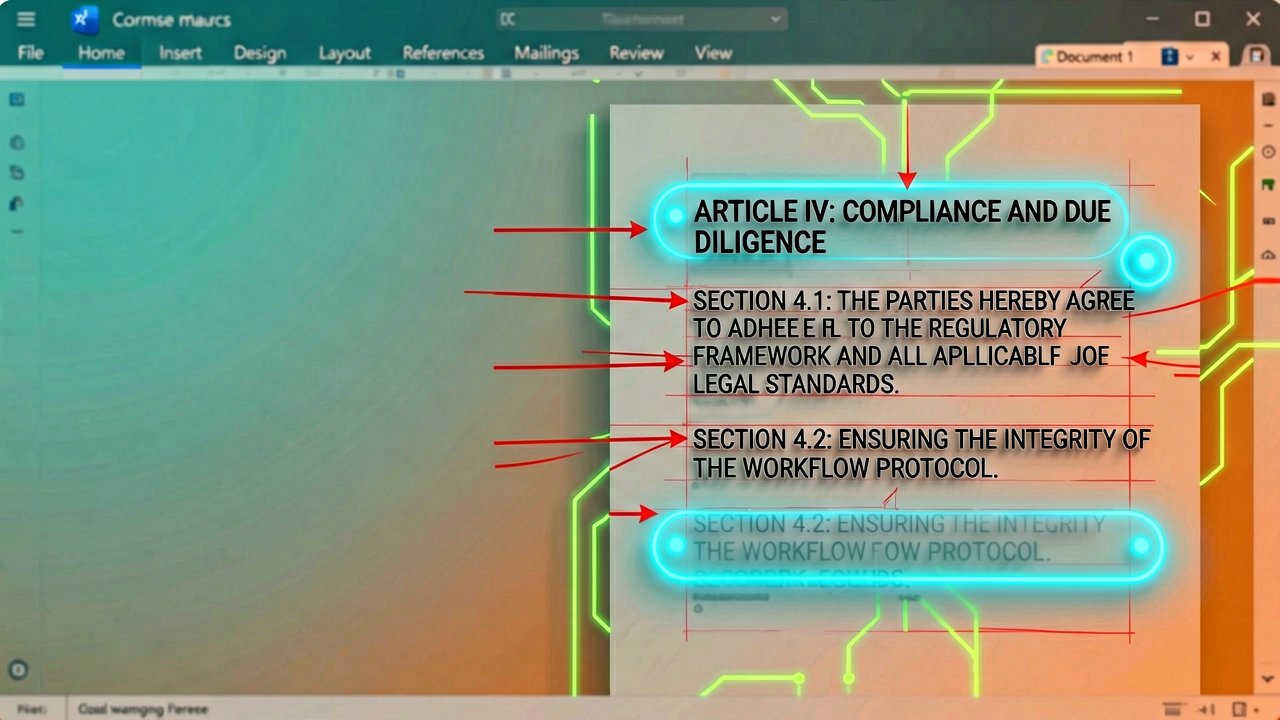
Microsoft has officially launched a Legal Agent inside Word, marking a significant shift from general-purpose AI assistance to domain-specific legal automation. The announcement came on April 30, 2026, through the company's official Microsoft 365 Copilot blog, positioning the tool as a direct competitor to third-party legal AI platforms.
This isn't just another Copilot feature with a legal skin. The Legal Agent was built by engineers who previously worked at Robin AI, a contract review startup that Microsoft acquired talent from. That pedigree matters because it means the underlying architecture reflects actual legal workflow patterns rather than generic prompt engineering. Sumit Chauhan, President of the Office Product Group at Microsoft, explicitly stated that legal workflows demand precision and auditability that general AI tools cannot provide.
Here's what actually happens when you use it. The agent follows structured workflows shaped by real legal practice, managing clearly defined, repeatable tasks like reviewing contracts clause by clause against a playbook. Instead of relying on general AI models to interpret commands, it applies edits through a purpose-built insertion algorithm. The redlining engine understands the structure of a Word document, not just visible text. It preserves formatting, lists, tables, and tracked changes. From there, the agent applies a deterministic resolution layer over the edits, including author-specific changes, instead of relying on an LLM to generate every revision directly. This provides a more reliable foundation for handling complex contracts while helping reduce latency and cost.
The physical experience of using Legal Agent differs from typical AI tools in meaningful ways. When you request a contract review, the agent analyzes the full agreement and drills into specific clauses. It compares versions to spot risks and obligations. The tool provides citations that link directly to the source language, so reviewers can quickly verify responses without hunting through pages of text. You can tell the Legal Agent what to change, and it produces negotiation-ready redlines with tracked changes across relevant sections. The agent works inside documents that already contain tracked changes, separating prior revisions from new proposals, so negotiation history is retained.

One feature that stands out is the playbook review capability. The Legal Agent flags non-conforming provisions and recommends edits to align with internal standards and approved language from your playbook. You can apply suggestions one-by-one or across the document. This matters because legal teams often have hundreds of pages of approved language they need to enforce consistently. Doing this manually means clicking through every clause, comparing it to the playbook, and making edits. The agent handles that tedious work, so legal professionals can focus on high-impact decisions (which is the promise, anyway).
Security and control remain central to the design. The Legal Agent runs within Microsoft 365 security, compliance, and governance controls your organization already uses for legal documents and standards. Users can view supporting citations for each suggestion from the agent and review all edits before approving. The agent keeps tracked changes and can also insert comments explaining the changes. This maintains trust and control throughout the workflow.
Availability is currently limited. The Legal Agent is available today in Word on Windows desktop through the Frontier program in the US. It appears directly in the agents' dropdown menu within Copilot in Word. No installation is required, though users may need to restart Word to see the agent. This Frontier-only rollout suggests Microsoft is still testing the waters before a broader enterprise release.
The timing of this launch is notable. The Verge reported that this new AI agent in Word comes months after Microsoft hired a bunch of AI specialists and engineers from Robin AI. The company is clearly positioning itself to capture the legal tech market that has been dominated by specialized startups. The Verge's coverage notes that Microsoft wants lawyers to trust its new AI agent in Word documents, which is a tall order given the industry's skepticism toward AI-generated legal work.
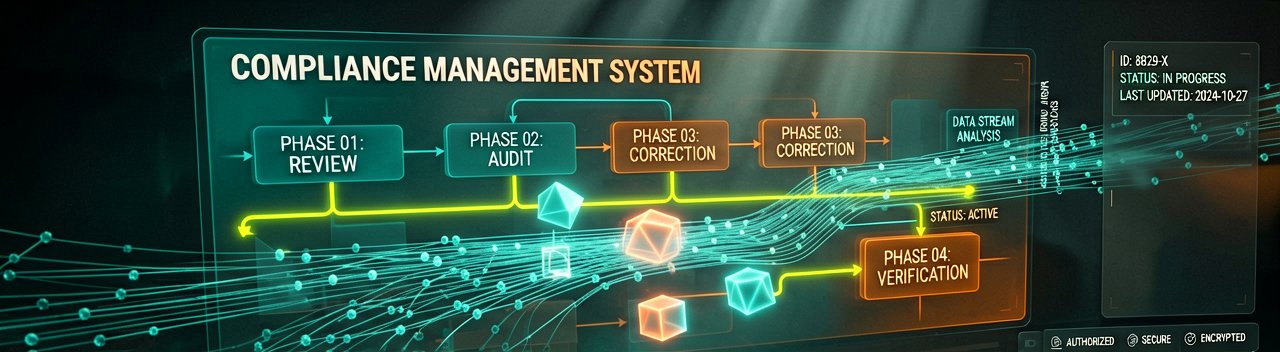
Early customer feedback shows strong interest in how the Legal Agent supports legal workflows in Word. Legal professionals value its domain expertise in inspecting citations, working with tracked changes, and reviewing documents against internal playbooks while maintaining full control. For legal teams, it's crucial that their AI tools fit into established review processes without compromising security and confidence in the document.
Microsoft includes a clear disclaimer: The Legal Agent does not provide legal advice or professional determinations and is not a substitute for the judgment of a qualified legal professional. AI-generated content may be inaccurate. Users are solely responsible for reviewing, verifying, and deciding whether to rely on any output before taking action. This is standard for AI tools, but in legal work, the stakes are higher than getting a marketing email wrong.
What makes this different from Copilot? Copilot is a general tool that lawyers can use as best they can for legal work. Legal Agent is a specific, professional tool, designed by legal engineers. Where before Microsoft was both within the legal world, but not really into legal tech, this is really a legal tech tool, designed by experts who actually used to work at a legal tech company. The distinction matters because general AI models hallucinate clauses, miss context, and break document formatting. Legal Agent's deterministic resolution layer addresses these specific failure modes.
The market implications are straightforward. Ninety-nine percent of legal work is done in Word. This is made by the company that made Word. It's not a third-party app. It's the real thing. That integration advantage is significant because lawyers don't want to export documents to another platform, review them, and import changes back. They want the tool inside the document they're already working on.
Whether this actually reduces billable hours or just makes lawyers faster at the same work remains the real question. Firms may find themselves doing more contract reviews because the tool makes it easier, not less. The technology works. The business case depends on how law firms price and bill for AI-assisted work. That's a separate conversation entirely.
Artūras Malašauskas is an AI Systems Integrator with 20+ years of production-grade web engineering experience. He has designed, shipped, and scaled enterprise Python/PHP systems for logistics, SaaS, and public-sector clients. For the past year, he has focused exclusively on AI integrations: deploying open-source LLMs, building generative media pipelines (image, audio, video), and engineering multi-agent workflows for real production environments. His standard: reproducibility, security, cost-efficient inference—no vaporware. He documents and evaluates emerging AI tooling, separating verified capabilities from marketing noise. Technical editor at: muza-ai.eu, ai-verslas.lt, ai-naujinos.lt Connect on LinkedIn
Comments